
How Much Should a Small Business Budget for IT in 2027?
A Practical Guide to IT Support, Cybersecurity, Microsoft 365, Backups, and Technology Planning
Technology is now part of nearly every business operation. Employees depend on computers, email, cloud applications, Wi-Fi, phones, shared files, cybersecurity tools, and backups just to get through the workday. That makes IT spending less of an optional expense and more of an operating requirement. The challenge for many small businesses is figuring out how much to budget for IT and where that money should actually go.
There is no single IT budget that works for every company. A ten-person professional office using Microsoft 365 will have very different needs from a growing healthcare practice, law firm, construction company, or multi-location business with servers and compliance requirements.
A useful small business IT budget should account for the technology you use today, the risks you need to manage, and the systems your business will need as it grows. This guide explains the major areas to include when planning your 2027 IT budget.
What Should Be Included in a Small Business IT Budget?
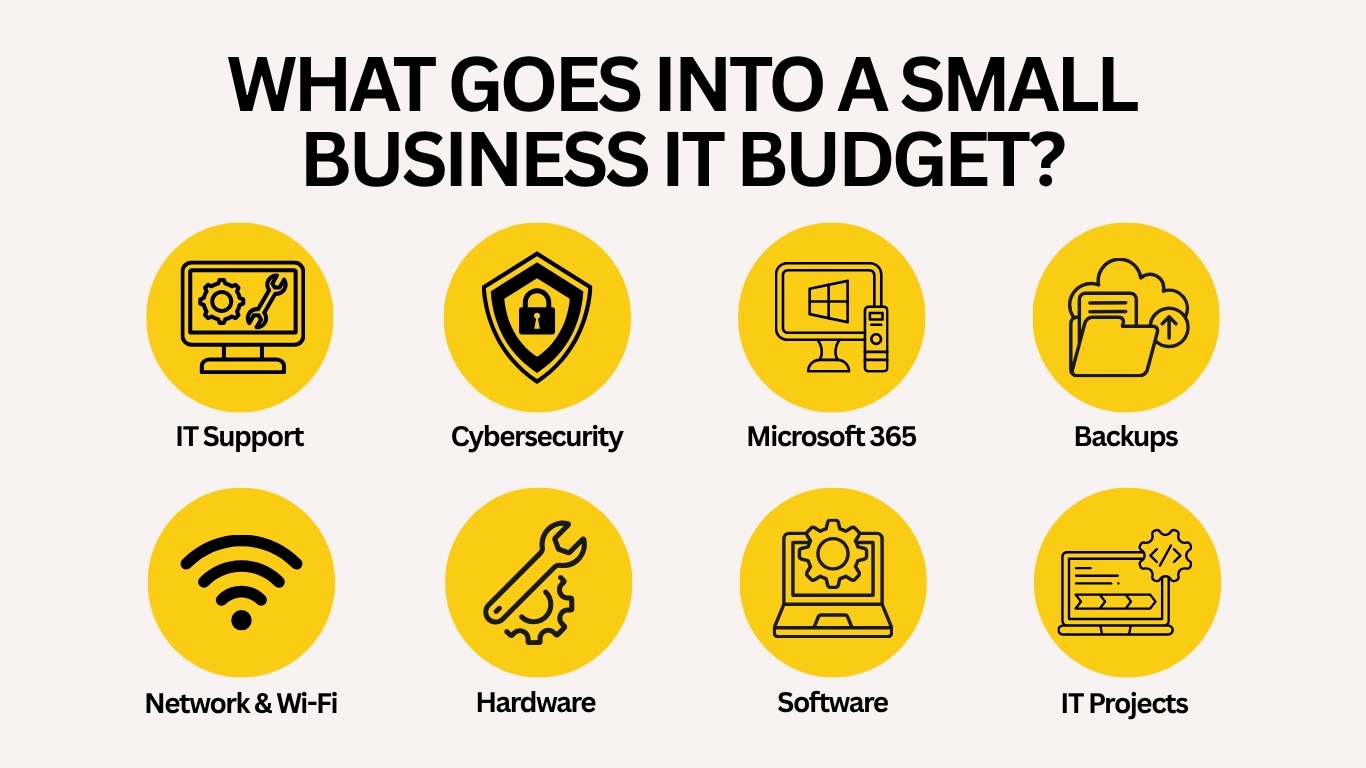
A business IT budget should cover more than computers and software licenses. The most common technology expenses include IT support, cybersecurity, cloud services, Microsoft 365, backup and disaster recovery, network equipment, hardware replacement, software subscriptions, and one-time technology projects.
Some of these expenses are predictable monthly costs. Others appear only when equipment needs to be replaced or the business makes a major change. The goal is to identify both so that technology problems do not continually become unexpected expenses.
IT Support and Managed IT Services
One of the first decisions is how your business will receive technical support. Some companies rely on hourly or on-demand IT support, calling a provider when a computer fails, email stops working, Wi-Fi becomes unreliable, or another problem interrupts operations.
This can make sense for smaller businesses with simple technology environments and infrequent support needs. As the business grows, however, relying entirely on break-fix support can make costs and response times harder to predict.
Managed IT services take a more proactive approach. Instead of waiting for something to break, an IT provider helps monitor, maintain, secure, document, and support the technology environment on an ongoing basis. A managed IT plan may include employee help desk support, device monitoring, security tools, Microsoft 365 administration, backup oversight, network management, vendor coordination, and technology planning.
Businesses that depend heavily on technology every day should consider whether predictable monthly support makes more sense than repeatedly paying for emergency repairs. If your company only needs help with specific technology problems or projects, business IT support may be the better starting point.
Microsoft 365 and Cloud Services
Microsoft 365 is often one of the most important technology platforms inside a small business. Your budget should account for more than the cost of Microsoft licenses. Businesses may also need help managing user accounts, permissions, email security, Teams, SharePoint, OneDrive, employee onboarding, employee offboarding, and access to company information.
As employees increasingly work across offices, homes, and mobile devices, cloud administration becomes part of day-to-day IT management. Businesses should also review unused licenses and inactive accounts regularly. Paying for technology that nobody uses is not exactly the kind of cloud strategy anyone is trying to achieve.
Network and Wi-Fi Infrastructure
For offices that need new network drops, access points, racks, or structured wiring, Nerd Teks also provides business data cabling services.
Your network is the foundation connecting employees to the systems they use. A small business IT budget should account for firewalls, switches, wireless access points, internet connectivity, VPN or remote-access systems, network cabling, and eventual equipment replacement. Older network equipment can create performance and security problems long before it completely fails.
Poor Wi-Fi coverage can also become surprisingly expensive when employees lose time reconnecting, video meetings freeze, cloud applications respond slowly, and connected devices repeatedly lose access. Businesses moving offices, expanding into additional space, or adding employees should review whether the existing network can support the change before new equipment arrives.
Cybersecurity Should Have Its Own Budget
Cybersecurity should not be treated as something the business will address after an incident. For most organizations, security involves several layers working together.
Your cybersecurity budget should reflect the value of the information you are protecting and the potential impact of an outage or breach. Nerd Teks provides cybersecurity services designed to help businesses strengthen protection across users, devices, networks, email, and cloud systems.
That may include multi-factor authentication, endpoint protection, email security, firewalls, security monitoring, software updates, phishing protection, employee awareness training, secure remote access, and incident-response planning. Businesses that handle legal files, financial information, healthcare data, customer records, or other sensitive information may require additional security controls and documentation.
Backup and Disaster Recovery
Backups are another area businesses frequently underestimate. A backup strategy should answer several basic questions: What information is protected? How often is it backed up? Where are copies stored? Who can access them? How quickly could the business recover? Businesses may need protection for servers, workstations, shared files, Microsoft 365, databases, cloud applications, and other critical systems.
Simply having backup software installed does not guarantee successful recovery. Backups should be monitored and restoration should be tested. A ransomware attack, failed server, accidental deletion, hardware failure, or cloud-service problem can quickly demonstrate the difference between having a backup and having a real recovery plan. Learn more about Nerd Teks’ business backup and disaster recovery solutions.
Network and Wi-Fi Infrastructure
Your network is the foundation connecting employees to the systems they use. A small business IT budget should account for firewalls, switches, wireless access points, internet connectivity, VPN or remote-access systems, network cabling, and eventual equipment replacement. Older network equipment can create performance and security problems long before it completely fails.
Poor Wi-Fi coverage can also become surprisingly expensive when employees lose time reconnecting, video meetings freeze, cloud applications respond slowly, and connected devices repeatedly lose access. Businesses moving offices, expanding into additional space, or adding employees should review whether the existing network can support the change before new equipment arrives.
For offices that need new network drops, access points, racks, or structured wiring, Nerd Teks also provides business data cabling services.
Plan for Hardware Replacement
Computers, servers, firewalls, switches, battery backups, and other equipment eventually need to be replaced. Waiting until hardware completely fails turns a planned expense into an emergency. A better approach is to maintain an inventory showing the age, warranty status, operating system, and business importance of critical equipment.
This makes it easier to spread replacements across multiple budget years instead of discovering that half the office needs new computers at the same time. It also reduces the likelihood of keeping unsupported hardware or software simply because nobody realized how old it had become.
Remember One-Time Technology Projects
Not every IT expense belongs in a monthly service plan. Businesses should also reserve part of their technology budget for projects such as office relocations, server replacements, network upgrades, cloud migrations, Microsoft 365 projects, cybersecurity improvements, data cabling, wireless upgrades, and new-office deployments.
Growth often creates these expenses. Hiring employees may require new computers and Microsoft 365 licenses. Opening another location may require internet service, firewalls, switches, Wi-Fi, cabling, and secure connectivity between offices.
Planning for these projects before they become urgent gives the business more control over timing and cost.
What Causes a Small Business IT Budget to Increase?
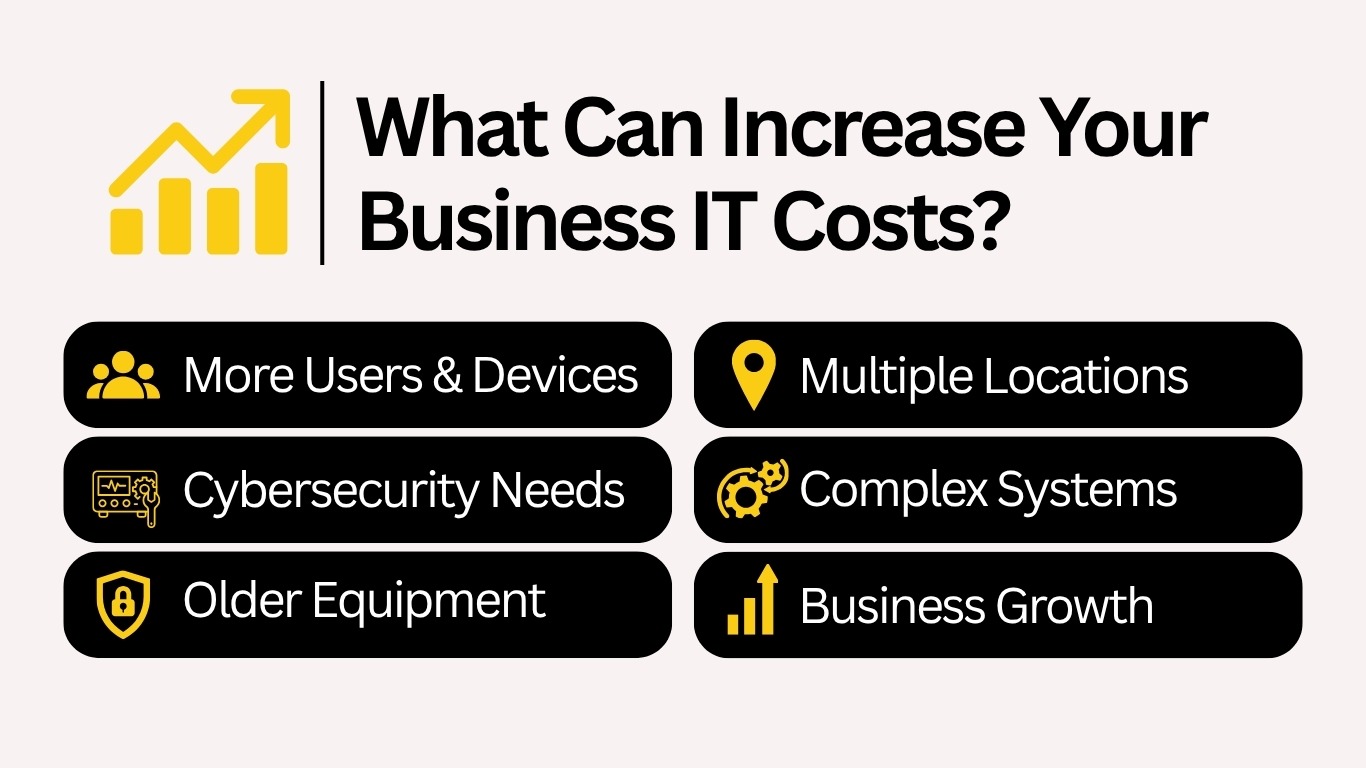
Several factors can increase technology costs:
- More employees, computers, mobile devices, and locations
- Greater cybersecurity or compliance requirements
- Older equipment that needs replacement
- Business growth, relocations, or technology projects
- Faster response-time requirements
- Remote or hybrid employees
- Increased backup and data-retention needs
- Servers, specialized applications, or complex networks
The cheapest environment to support is usually one that is documented, standardized, secure, and kept reasonably current. An environment full of aging equipment, undocumented passwords, inconsistent software, unreliable backups, and mystery network cables tends to create more labor and more surprises.
Reactive IT Spending vs. Planned IT Spending
Businesses often focus on the visible cost of an IT invoice while overlooking the cost of the problem that created it. A network outage may stop employees from working. A failed server may interrupt access to important applications. A compromised email account may require hours of investigation. An unreliable computer may waste employee time every day for months.
That is why the lowest hourly IT rate does not necessarily produce the lowest technology cost. Planned IT spending focuses on keeping systems reliable, protecting important information, replacing aging equipment before failure, and reducing preventable disruptions.
The objective is not to eliminate every technology problem. That is unrealistic. The objective is to make costs and risks more predictable.
How to Build Your 2027 IT Budget
Start by documenting what your business currently uses.
Identify your employees, computers, servers, Microsoft 365 licenses, cloud applications, network equipment, security tools, backups, internet connections, software subscriptions, and technology vendors.
Then review what is likely to change during 2027.
Will you hire additional employees? Move offices? Replace computers? Open another location? Upgrade your network? Add cybersecurity controls? Replace a server?
Finally, separate recurring costs from planned projects and equipment replacements.
This gives you a more realistic view of technology spending than simply looking at what the business spent on IT last year.
Your IT Budget Should Match Your Business Risk
A five-person office with simple cloud applications does not need the same technology environment as a fifty-person company handling sensitive information across multiple locations. Your IT budget should reflect how much your business depends on technology and what would happen if those systems became unavailable.
Consider how long your employees could work without email, shared files, internet access, business applications, or customer information. For some businesses, several hours of downtime is inconvenient.
For others, several hours can mean missed deadlines, lost revenue, unhappy customers, or employees who cannot work at all. That difference should influence how much the organization invests in reliability, support, cybersecurity, and recovery.
Estimate Your Business IT Costs
There is no universal monthly IT number that works for every small business. The cost depends on your users, devices, servers, Microsoft 365 environment, network locations, backup requirements, cybersecurity needs, and the level of support your organization requires.
Nerd Teks’ Managed IT and Cybersecurity Pricing Calculator can help you build an initial estimate based on your business environment. Estimate your Managed IT and cybersecurity costs. The calculator provides a starting point for planning. Final costs may vary depending on the condition of the existing environment, licensing, onboarding, storage, remediation, and project requirements.
Build an IT Plan That Supports Your Business
Technology spending should support business operations rather than constantly react to emergencies.
A well-planned IT budget gives your company a clearer picture of upcoming expenses, cybersecurity requirements, equipment replacement, employee support, and future technology projects.
Nerd Teks helps small and growing businesses across Central and South Florida with managed IT services, business IT support, cybersecurity, Microsoft 365, backup and disaster recovery, cloud services, network infrastructure, and data cabling.
Whether you need help planning your 2027 technology budget or want a clearer understanding of your current IT environment, the first step is identifying what your business depends on and where the biggest risks exist. Ready to start planning?
Latest Insights






Latest Posts