What Should a Managed IT Services Agreement Include?
A Practical Guide to Support, Cybersecurity, Backups, Microsoft 365, Response Times, and Costs
A managed IT services agreement should make one thing very clear: who is responsible for your technology and what happens when your business needs help. For many small and growing businesses, technology now touches almost every part of the workday. Employees depend on computers, Microsoft 365, email, networks, Wi-Fi, servers, cloud applications, backups, and cybersecurity tools. When those systems are poorly maintained or nobody clearly owns them, small problems can quickly turn into downtime.
Nerd Teks structures Managed IT Services around the size and complexity of the business, including users, servers, network locations, Microsoft 365 tenants, backup requirements, and cybersecurity needs. The goal is predictable monthly support, monitoring, maintenance, and security management without leaving clients guessing about what is covered.
Start With the Right Level of Managed IT Support
Not every business needs the same level of service. Nerd Teks currently offers three Managed IT plans designed for different types of organizations.
Super Nerd: Co-Managed IT
Super Nerd is designed for businesses that already have an internal point person or team but need additional monitoring and technical support. The plan includes 24/7 remote monitoring and health checks, daily backup and firewall monitoring, monthly executive reporting, discounted onsite and emergency rates, and optional security add-ons.
This can be a good fit when a business wants professional oversight without completely outsourcing day-to-day IT ownership.
Extreme Nerd: Fully Managed IT
Extreme Nerd is positioned as Nerd Teks’ primary fully managed option for growing businesses. It includes phone and remote support, monitoring, reporting, maintenance, help desk support, next-day technician scheduling, and a 1–2 hour emergency phone-response target. Nerd Teks recommends pairing this plan with Cybersecurity Essentials for baseline security protection.
For businesses without internal IT staff, this is designed to provide clearer ownership of everyday technology support.
Ultimate Nerd: Managed Compliance
Ultimate Nerd is designed for organizations with greater security, documentation, compliance, or cyber-insurance requirements, including legal, healthcare, engineering, and other higher-risk teams.
It includes covered support and emergencies, same-day technician scheduling, a one-hour-or-less emergency phone-response target, Security & Compliance services, and quarterly evidence and executive reviews. The important point is that a Managed IT agreement should match the business’s actual risk and support needs rather than forcing every organization into the same package.
Day-to-Day IT Support Should Be Clearly Defined
For a fully managed client, much of the everyday technical work should already have a clear home.
Nerd Teks identifies routine help desk support, troubleshooting, user support, ticket follow-up, onboarding, offboarding, access changes, and Microsoft 365 administration within the agreed scope as work that is normally handled through managed service. Firewall, backup, endpoint, and security health reviews are also handled when those services are included in the client’s plan.
That means employees should know where to turn when they experience problems such as:
- Network or Wi-Fi trouble
- Printer or device issues
- User onboarding or offboarding
- Microsoft 365 or email issues
- Computer and workstation problems
- Access or password problems
The agreement should make the support process easier, not force employees to figure out which vendor owns each problem.
Response Time and Onsite Service Depend on the Plan
This distinction matters when comparing providers. A company that can tolerate next-business-day onsite service has different requirements from a business where a server outage could stop dozens of employees from working.
“Managed IT” does not mean every client receives exactly the same response commitment. Nerd Teks currently differentiates service levels by plan. Extreme Nerd includes next-day technician scheduling and a 1–2 hour emergency phone-response target, while Ultimate Nerd includes same-day technician scheduling and a one-hour-or-less emergency phone-response target. Super Nerd clients receive discounted onsite and emergency rates rather than the same fully managed coverage.
Cybersecurity Should Match the Business Risk
Managed IT and cybersecurity overlap, but they are not automatically the same service. Nerd Teks currently offers Cybersecurity Essentials as a baseline security package. It includes managed endpoint protection, MFA setup and enforcement support, email-security baseline review, DNS and web filtering, dark-web credential monitoring, and monthly security health notes.
For organizations that need more formal risk management and documentation, Security & Compliance adds an annual risk assessment, asset and access review, policy templates, evidence storage, vulnerability-scan review, a risk register, remediation tracking, cyber-insurance questionnaire support, and quarterly security reviews. Security & Compliance is included with the Ultimate Nerd plan.
Nerd Teks also makes an important distinction around around-the-clock security operations: 24/7 MDR/SOC monitoring is quoted separately when a client requires continuous alert investigation and escalation. That clarity matters. “24/7 network monitoring” is not necessarily the same thing as a staffed 24/7 security operations center.
Microsoft 365 Management Should Be Part of the Conversation
Microsoft 365 is one of the most important platforms inside many small businesses, but paying Microsoft for licenses does not mean the environment manages itself. Nerd Teks offers Microsoft 365 management with support for user and mailbox administration, license management, MFA and security-baseline review, and SPF, DKIM, and DMARC review. Licensing and migrations are quoted separately.
For growing businesses, this becomes especially important during employee onboarding and offboarding. A consistent Microsoft 365 management process helps reduce unused licenses, abandoned accounts, excessive permissions, and former employees retaining access longer than they should.
Backup and Disaster Recovery Need Their Own Scope
A business should know exactly what its backup service protects. Nerd Teks’ Backup & Continuity services include server backup and disaster-recovery support, Microsoft 365 backup, restore-testing support, retention guidance, and disaster-recovery runbook support.
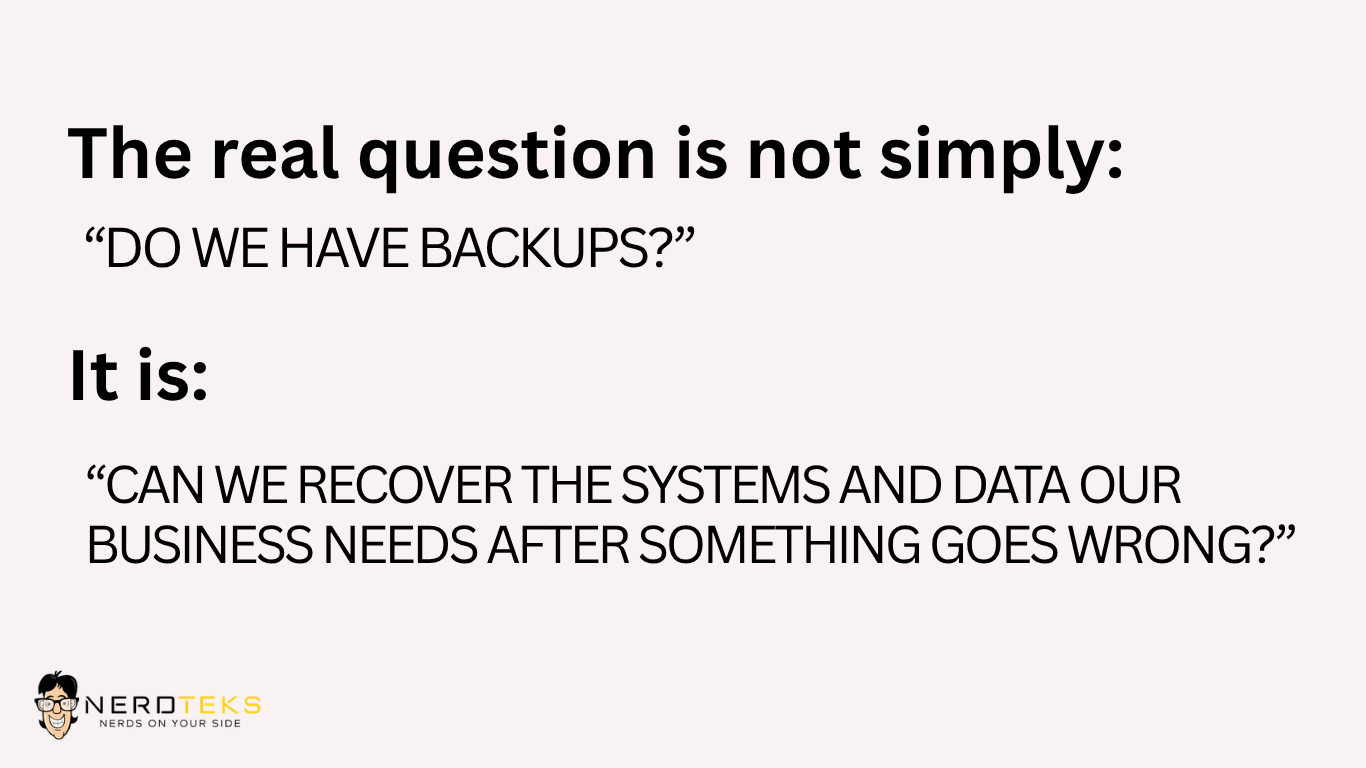
A ransomware incident, hardware failure, accidental deletion, or server outage is a poor time to discover that nobody has tested restoration.
Business Networks May Need Managed Oversight Too
For many companies, the network is just as critical as the computers connected to it. Nerd Teks’ Network Management service covers firewall health and configuration backup, switch and wireless-access-point checks, VPN and access support, and DNS/DHCP documentation. SonicWall licensing is quoted separately.
This is especially important for businesses with multiple access points, firewalls, remote users, VPN connections, or several locations. Without network documentation and monitoring, troubleshooting often becomes slower because the technician first has to determine how everything was built.
Know What Is Managed Monthly and What Is a Project
This is one of the strongest parts of the Nerd Teks pricing structure because the site explicitly separates routine managed work from project work. Normally managed services include routine support, troubleshooting, user changes, monitoring review, maintenance, ticket follow-up, Microsoft 365 administration within scope, and health reviews for included firewall, backup, endpoint, and security services.
Larger projects are quoted separately when needed. These can include hardware, software and licensing costs; email or server migrations; major cloud projects; data cabling; office moves; large deployments; new infrastructure; major remediation; breach-response or forensic work; and after-hours onsite service unless the selected plan covers it.
That distinction helps prevent the vague expectation that a monthly IT agreement automatically includes every technology project the company may ever undertake.
Vendor Coordination Matters More Than Businesses Expect
Technology problems do not always stay neatly inside one vendor’s system. An internet problem may affect the firewall. A phone vendor may blame the network. A software application may depend on Microsoft 365 authentication. A copier may suddenly stop scanning because of an email-security change.
A good managed IT relationship gives the business a knowledgeable technical point of contact that can help troubleshoot the environment and determine where the problem actually belongs. Nerd Teks’ managed-services positioning includes ongoing support, network management, Microsoft 365 administration, monitoring, and technology guidance. Giving businesses a clearer support path when several systems are involved.
Managed IT Should Include More Than Fixing Tickets
Nerd Teks describes its Managed IT approach as a five-stage process:

That is an important distinction between managed IT and ordinary break-fix support. The purpose is not just to repair what failed today. It is to reduce recurring problems and create a technology environment that supports the business over time.
The process starts by reviewing the existing environment for risk and performance issues, then stabilizing and standardizing systems. From there, Nerd Teks monitors the environment, provides help desk support, and continues improving security, performance, and scalability as the business changes.
Understand the Starting Cost Before Comparing Providers
Managed IT pricing should be evaluated based on what is included, not simply the lowest monthly number.
Nerd Teks currently structures pricing around users, servers, VoIP phones, managed network sites, Microsoft 365 tenants, cybersecurity options, and backup requirements. Final pricing can also depend on licensing, storage, remediation needs, after-hours requirements, and one-time onboarding.
Current starting plan pricing listed by Nerd Teks is:


Server pricing and other services vary by plan and environment. Nerd Teks also notes that a one-time onboarding and risk review may apply to new or unknown environments. Rather than trying to estimate everything manually, businesses can use the Nerd Teks Managed IT & Cybersecurity Pricing Calculator to build an initial monthly starting point.
Questions to Ask Before Choosing a Managed IT Plan
You do not need a fifty-question procurement checklist. Start with the questions that actually affect daily operations:
- Who handles employee support?
- What are the emergency response expectations?
- Is onsite service included?
- Who manages Microsoft 365?
- Are cybersecurity services included or added separately?
- What is backed up, and is recovery tested?
- Who manages the firewall, switches, Wi-Fi, and VPN?
- Which projects are quoted separately?
- What additional licensing will we need?
- What documentation and reporting will we receive?
If those answers are clear before the relationship begins, there are fewer surprises later.
Choose Managed IT Based on What Your Business Actually Needs
The right Managed IT agreement should give your business clearer ownership of technology, predictable support, stronger security, and a better understanding of what is included each month. Nerd Teks provides Managed IT Services to businesses across Florida, with statewide remote support and onsite service primarily across Central and South Florida, including Orlando, Miami, Fort Lauderdale, and West Palm Beach.
Businesses can choose from co-managed IT, fully managed IT, or a higher-touch managed compliance model, then add or scope Microsoft 365 management, network management, backup, security, and other services according to the environment.
Not Sure Which Managed IT Plan Fits?
Start with the Nerd Teks pricing calculator to estimate costs based on your actual number of users, servers, locations, Microsoft 365 environment, backups, and security requirements.
Latest Insights





Latest Posts