How Small Businesses Can Use AI Without Creating New Security Risks
A practical guide to AI tools, business data, employee access, Microsoft 365, automation, and cybersecurity.
Artificial intelligence is quickly becoming part of everyday business operations.
Employees are using AI to summarize documents, draft emails, analyze information, prepare reports, organize meeting notes, research topics, answer customer questions, and automate repetitive work. Businesses are also beginning to connect AI directly to Microsoft 365, CRM systems, accounting platforms, help desk software, internal documents, and other applications.
Used correctly, AI can save time and help employees work more efficiently.
But connecting AI to business systems also creates a new question:
What information and systems should AI actually be allowed to access?
For small businesses, adopting AI should not mean giving every employee access to every tool or connecting an AI agent to company data without understanding the security implications. The goal is not to avoid AI. It is to use it deliberately, with the same attention to access, data protection, and cybersecurity that should apply to any other business technology.
Where Can AI Actually Help a Small Business?
The best AI opportunities are often not dramatic. They are repetitive tasks employees perform over and over throughout the week. AI automation can help with activities such as:
- Sorting and routing customer inquiries
- Drafting routine follow-up emails
- Summarizing meetings and documents
- Processing forms and PDFs
- Updating CRM records
- Preparing recurring reports
- Searching internal company information
- Organizing support tickets
- Creating first drafts of business content
These types of workflows can reduce repetitive administrative work without requiring the business to rebuild its entire technology environment.
Nerd Teks helps businesses identify practical opportunities through our AI Automation & Integration Services, including workflows that connect with Microsoft 365, CRM platforms, documents, help desk systems, and other business applications. The key is choosing the right workflow first instead of trying to automate everything at once.
The Biggest AI Security Risk May Be Your Own Employees
One of the easiest AI risks to overlook is employees using tools that the company has never reviewed. An employee may create an account with a public AI service and begin pasting information into it because the tool makes their job easier.
That information could include:
- Customer records
- Internal financial information
- Legal documents
- Contracts
- Employee information
- Proprietary business processes
- Internal emails
- Passwords or credentials
- Healthcare or regulated data
The employee may have no malicious intent. They may simply not realize that entering information into an external AI system creates a new data flow outside the company’s normal environment.
Businesses should establish clear rules explaining which AI tools employees may use and what types of information should never be entered without approval.
Watch for Shadow AI
Most businesses are familiar with the idea of shadow IT, employees using applications or services that were never approved by the company. Now businesses also need to think about shadow AI.
Shadow AI happens when employees begin using AI applications, browser extensions, meeting assistants, automation tools, or AI agents without IT or management knowing. This can create several problems.
That makes it easier for employees to use useful technology without creating unmanaged accounts and unknown security risks.
The business may not know where company information is being stored, which employees created accounts, what permissions were granted, or whether the service still has access after the employee leaves. Instead of simply banning every AI tool, businesses should create an approved process for evaluating them.
Be Careful With Sensitive Business Information
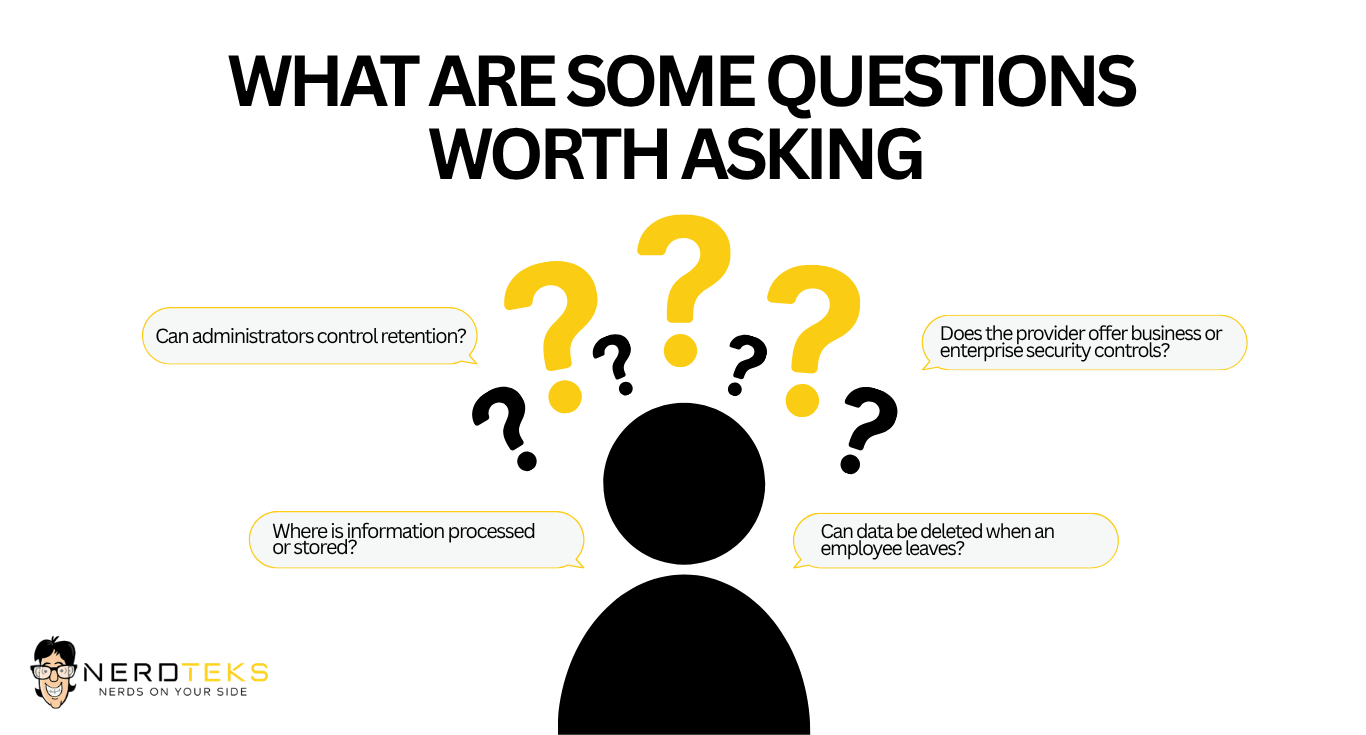
Before allowing employees to use an AI tool with company information, understand how that service handles data.
- Is submitted information retained?
- Who can access it?
- Is the information used to improve or train models?
- Can administrators control retention?
- Can the company disable external sharing?
- Does the provider offer business or enterprise security controls?
- Can data be deleted when an employee leaves?
- Where is information processed or stored?
The answers can vary significantly between consumer AI products and business or enterprise versions. That is why a company should not assume that every AI chatbot or automation platform should be treated the same way.
AI Access Should Follow the Principle of Least Privilege
When businesses begin connecting AI to Microsoft 365, CRM systems, documents, or accounting platforms, permissions become much more important. An AI agent should not receive access to everything simply because doing so is easier during setup. If an automation only needs to read a specific SharePoint library, it should not automatically receive access to every SharePoint site.
If an AI workflow only needs to update CRM leads, it may not need permission to delete customer records. If an assistant only summarizes incoming support requests, it should not necessarily have administrator access to the help desk system. This is the same principle used in traditional cybersecurity:
Give users and systems only the access they need to perform their job.
The same rule should apply to AI.
Human Approval Still Matters
AI is excellent at drafting, organizing, summarizing, classifying, and recommending. That does not mean every action should happen automatically.
Businesses should consider requiring human approval before AI performs sensitive actions such as:
- Sending payments
- Deleting business records
- Changing user permissions
- Sending sensitive external communications
- Modifying security settings
- Approving contracts
- Publishing customer-facing information
- Making changes to critical systems
A useful AI workflow does not have to remove people from the process completely. Often, the safest model is:

That can still save substantial time while reducing the risk of an automated mistake becoming a business problem.
AI Automation for Microsoft 365 Requires Good Identity Security
Microsoft 365 is one of the most useful platforms for business AI automation because it contains email, documents, collaboration tools, calendars, and business information. AI workflows may interact with:
- Outlook for email sorting, summaries, and follow-ups.


- Outlook for email sorting, summaries, and follow-ups.

- Teams for meeting notes, action items, and notifications.
- SharePoint for document search and internal knowledge.
But the usefulness of those integrations also means Microsoft 365 security becomes even more important.
Before connecting AI workflows, businesses should review multi-factor authentication, administrator roles, user permissions, guest access, external sharing, inactive accounts, and employee onboarding and offboarding. AI should operate inside a properly managed Microsoft 365 environment—not become a shortcut around existing security controls.
AI Agents Need More Security Than a Basic Chatbot
There is an important difference between asking an AI chatbot to summarize a document and giving an AI agent permission to take actions inside business systems. An AI agent may be able to:
That level of access requires stronger controls. Businesses deploying AI agents should think about permissions, logging, data boundaries, approved actions, internet access, human approvals, and how the agent will be monitored.
If the AI can take action, the business should also be able to see what action it took, when it happened, and what information was used.
Protect AI Accounts the Same Way You Protect Other Business Accounts
AI platforms should be included in the company’s normal identity and access-management process.
That means using strong authentication, avoiding shared accounts, reviewing administrator access, and removing access when employees leave. When available, businesses should use:
- Multi-factor authentication
- Single sign-on
- Role-based permissions
- Centralized user management
- Login and activity monitoring
An employee leaving the company should not retain access to business AI tools any more than they should retain access to Microsoft 365 or the company VPN.
Keep AI Integrations Documented
Once AI becomes connected to business systems, it should be documented like any other important technology. The business should know:
Which AI tools are approved?
What data can they access?
Which applications are connected?
Who administers them?
Which actions can they perform automatically?
Where is human approval required?
This documentation becomes especially important as a company adds more workflows over time. Without it, AI automation can slowly become another collection of systems nobody fully understands.
Do Not Forget About Third-Party Integrations
An AI platform may be secure on its own while a connected application introduces additional risk. For example, an AI workflow could involve:

Every connection introduces credentials, permissions, and data movement that should be understood. Before deploying a workflow, review the entire chain rather than evaluating only the AI model.
This is particularly important when using plugins, browser extensions, API keys, automation platforms, or third-party connectors.
Cybersecurity Still Matters Even When AI Is Involved
AI does not replace traditional cybersecurity. Businesses still need strong fundamentals such as:
- Multi-factor authentication
- Endpoint protection
- Email security
- Software and security updates
- Secure backups
- Firewall and network security
- Access controls
- Employee security awareness
- Incident-response planning
In fact, AI adoption can make these fundamentals even more important because automation may connect more systems together. Nerd Teks provides Cybersecurity Services for businesses that need help strengthening user, device, network, email, cloud, and identity security.
Start With One Workflow Instead of Automating Everything
Small businesses do not need a massive AI transformation project to begin getting value from AI. A better starting point is often one repetitive process. For example, a business might begin by automating:
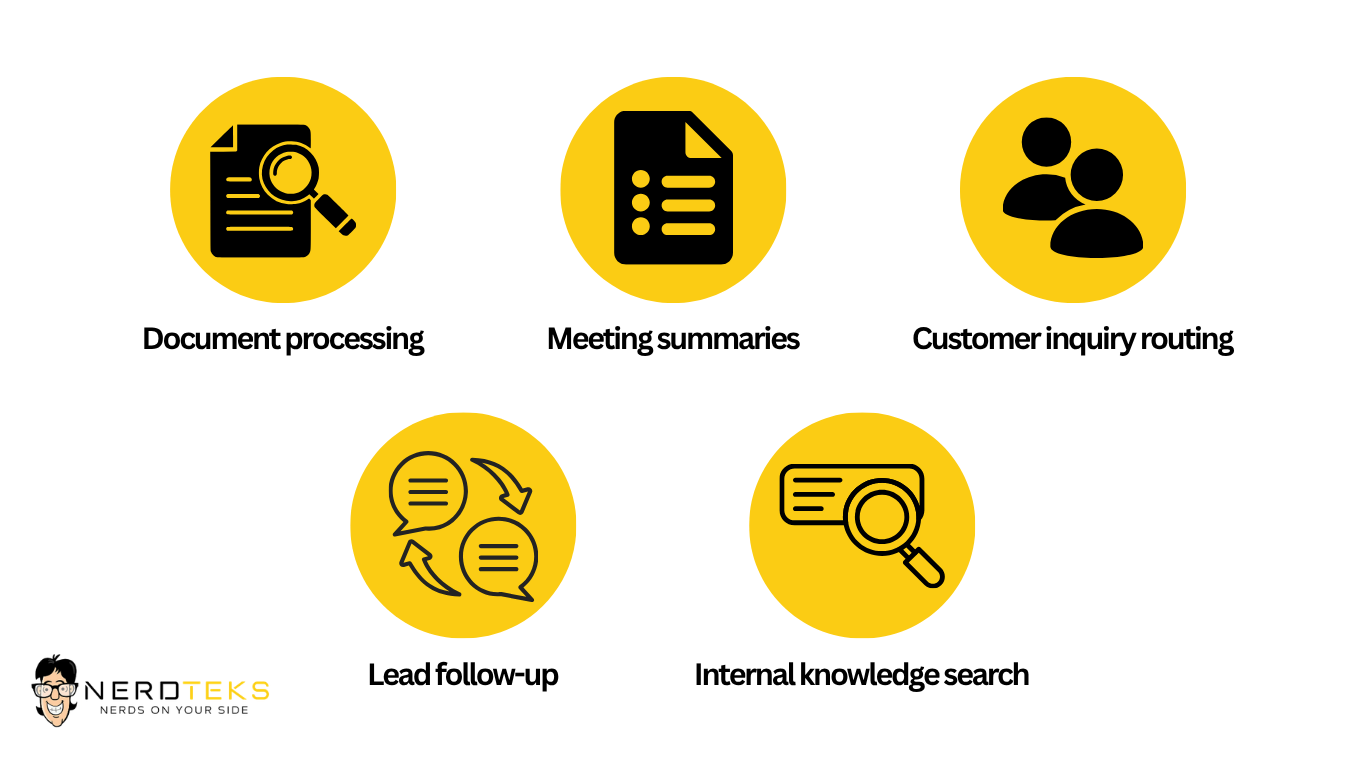
Internal knowledge search
Employees can search approved company documents instead of manually digging through folders.
Lead follow-up
New inquiries can be organized and follow-up messages drafted for sales staff.
Document processing
AI can help extract information from repetitive forms or PDFs.
Meeting summaries
Teams meetings can be summarized into action items for employees to review.
Customer inquiry routing
Incoming messages can be categorized and sent to the appropriate employee.
Start with something measurable. If the workflow saves time and operates safely, expand from there.
Ask These Questions Before Automating a Business Process
Before connecting AI to an important workflow, ask:
What problem are we trying to solve?
What information does the AI actually need?
Which applications need to be connected?
What permissions are required?
What should still require human approval?
How will activity be logged and reviewed?
What happens if the AI makes a mistake?
If the business cannot answer those questions, the automation probably needs more planning.
AI Should Support Employees, Not Create Another System to Babysit
The purpose of business automation is to reduce friction.
If an AI workflow requires employees to constantly correct errors, monitor unpredictable behavior, or manually repair failed automations, it may not be saving much time. Successful AI projects usually have:
- A clearly defined task
- Reliable data sources
- Limited permissions
- Predictable outputs
- Human review where appropriate
- Measurable results
The best AI workflow is not necessarily the most impressive one. It is the one that reliably solves a real business problem.
How Nerd Teks Helps Businesses Adopt AI Safely
Nerd Teks helps businesses identify practical AI opportunities and connect automation with the systems employees already use.
Our AI Automation & Integration Services can support workflows involving Microsoft 365, Outlook, Teams, SharePoint, OneDrive, CRM platforms, accounting tools, help desk systems, business documents, and internal applications.
We approach AI implementation with security, data boundaries, access controls, and human oversight in mind. Potential use cases include:
- Customer inquiry triage
- Lead follow-up
- Document processing
- Reporting and summaries
- Microsoft 365 workflows
- Internal knowledge search
- CRM updates
- Recurring email tasks
- Support-ticket routing
- Managed AI agents
The goal is not to automate everything. The goal is to identify where automation can genuinely save time while keeping appropriate controls around company information and business systems.
AI Security for Legal, Healthcare, Engineering, and Professional Services
Different industries may have different concerns when adopting AI.
Nerd Teks works with businesses across these industries to identify where AI may fit into existing technology environments.
Not Sure Where AI Fits in Your Business?
You do not need to start with an expensive or complicated AI project. Start by identifying a task your employees repeat every week. Then determine:
How much time does it consume?
What systems are involved?
What information does it use?
What would still require human approval?
From there, you can determine whether AI automation actually makes sense. Nerd Teks helps businesses across Central and South Florida evaluate AI opportunities, integrate AI with existing business systems, and implement workflows with security and practical business outcomes in mind.
Ready to Explore AI Automation?
Latest Insights





Latest Posts